If you’re tired of the hassle and frustration of manual expense tracking, you’re in luck. Creating an expense tracker template in Google Sheets is a game-changer, allowing you to streamline your financial management and stay on top of your budget. But where do you start, and what features should you include in your template? In this article, we’ll explore 9 essential features to get you started.
1. Automatic Date and Category Tracking
When it comes to expense tracking, accurate date and category information is crucial. With a Google Sheets expense tracker template, you can easily set up formulas to automatically extract the date and category from each transaction, making it easy to analyze and categorize your expenses at a glance.
2. User-Friendly Format for Easy Data Entry
A cluttered and confusing format can make data entry a chore, leading to errors and frustration. However, with a well-designed Google Sheets expense tracker template, you can create a user-friendly format that makes it easy to enter new transactions and keep your spreadsheet organized.
3. Budgeting Features for Financial Goals
Setting financial goals is crucial for achieving success, but creating a budget can be daunting. With a Google Sheets expense tracker template, you can set up budgeting features that allow you to track your progress toward specific goals, providing visibility into your financial well-being.
4. Customizable Charts and Graphs for Insights
While numbers can only tell part of the story, charts and graphs can help you visualize key trends and patterns in your expenses. With a Google Sheets expense tracker template, you can create customizable charts and graphs that provide valuable insights into your spending habits.
5. Alerts and Notifications for Unexpected Expenses
6. Automatic Expense Categorization for Easier Analysis
Manual expense categorization can be time-consuming and prone to errors, but with a Google Sheets expense tracker template, you can set up formulas to automatically categorize transactions, freeing you up to focus on more important tasks.
7. Integration with Other Google Sheets Features
One of the best things about Google Sheets is its ability to integrate with other features and add-ons, allowing you to streamline your workflow and save time. With a Google Sheets expense tracker template, you can easily integrate with features like automatic data imports, conditional formatting, and more.
8. Customizable Fields for Personalized Tracking
Expenses can be unique and varied, and a one-size-fits-all approach to tracking won’t cut it. With a Google Sheets expense tracker template, you can customize fields to fit your specific needs, allowing you to track the data that matters most to you.
9. Regular Backups and Version History for Peace of Mind
Losing data can be frustrating and costly, but with a Google Sheets expense tracker template, you can rest assured that your data is backed up and version-controlled, providing peace of mind and protecting your financial well-being.
In conclusion, creating an expense tracker template in Google Sheets can be a powerful tool for streamlining your financial management and achieving success. By incorporating these essential features, you can create a template that meets your unique needs and helps you stay on top of your expenses, both now and in the future.
Free Expense Templates In Google Sheets To Download
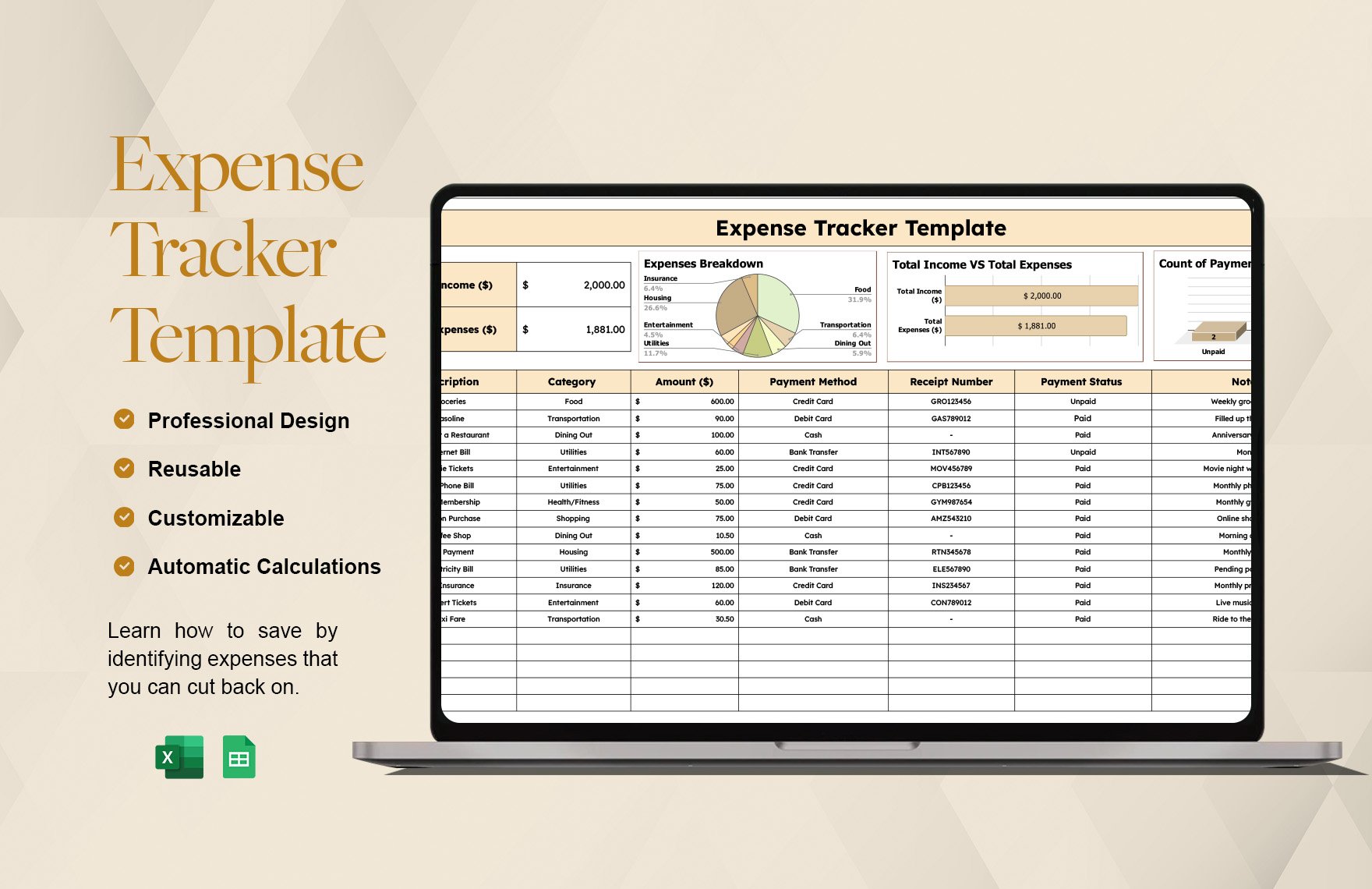
Google Sheets Expense Tracker Graphic By Origin Designs PH · Creative

Free Google Sheets Expense Sheet & Tracking Templates
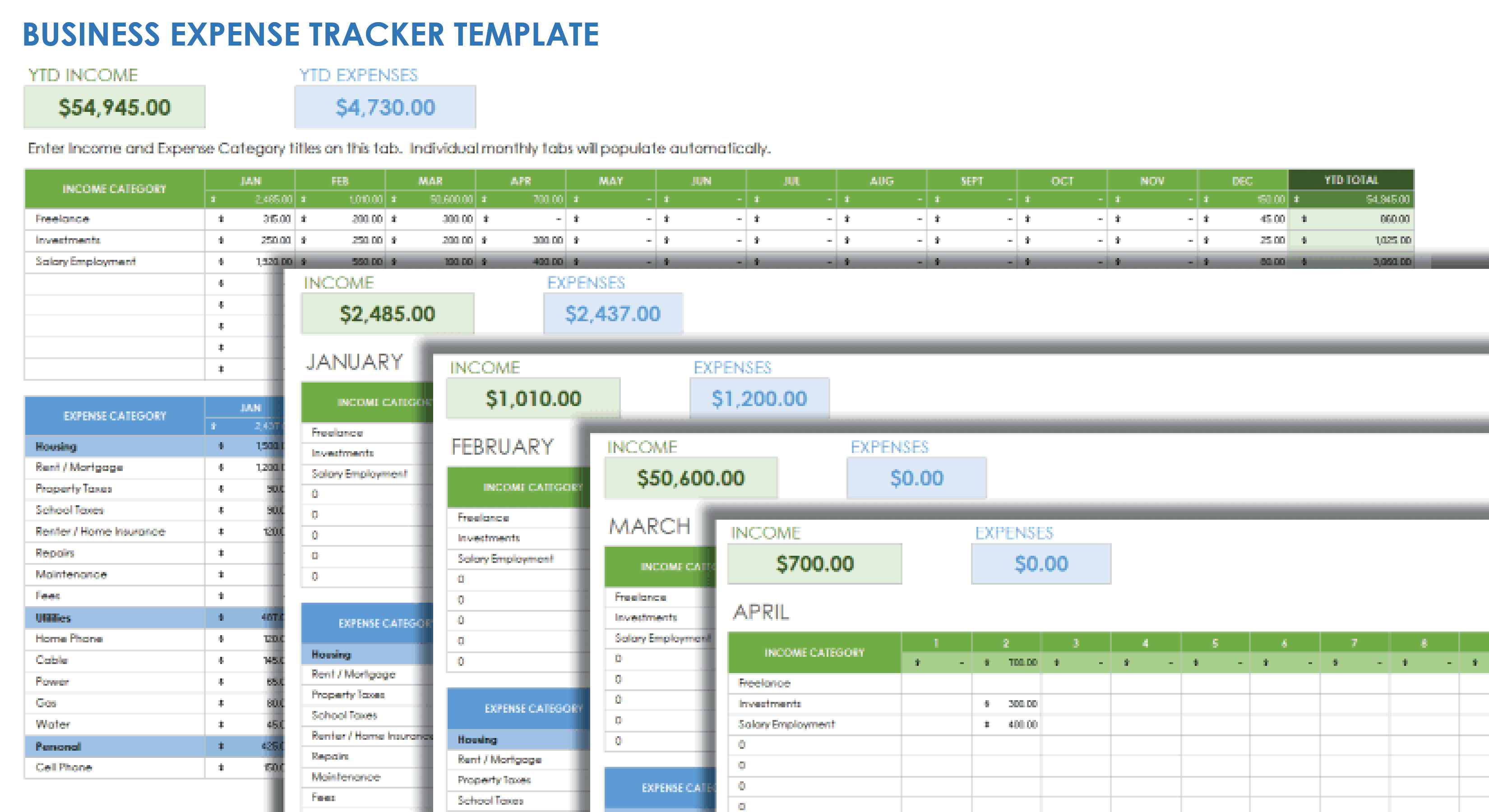
Google Sheets Expense Tracker Template Free At Jewel Waddle Blog
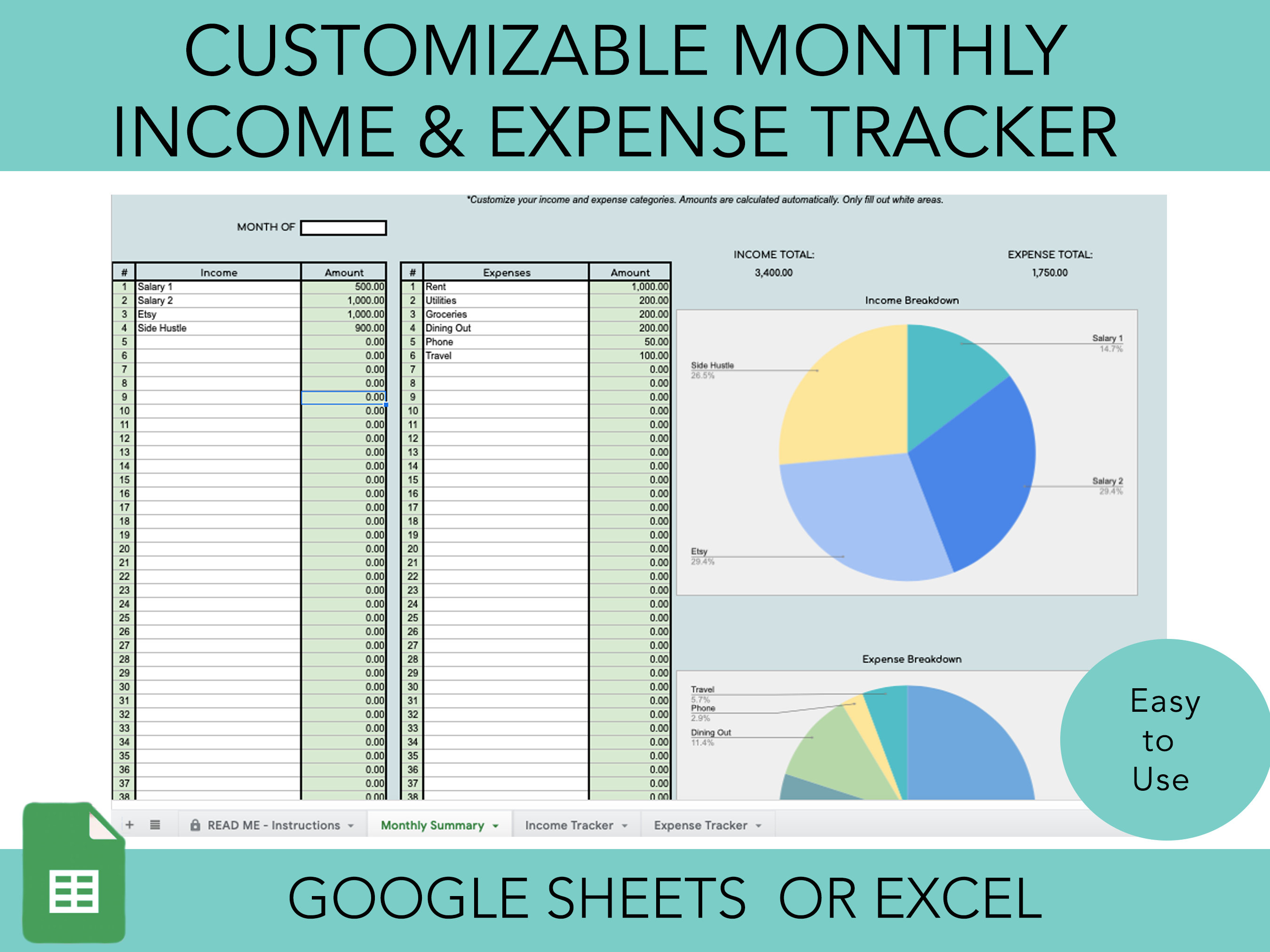
Google Sheets Expense Tracker Graphic By Origin Designs PH · Creative

Administration Expense Tracker Template In Excel, Google Sheets
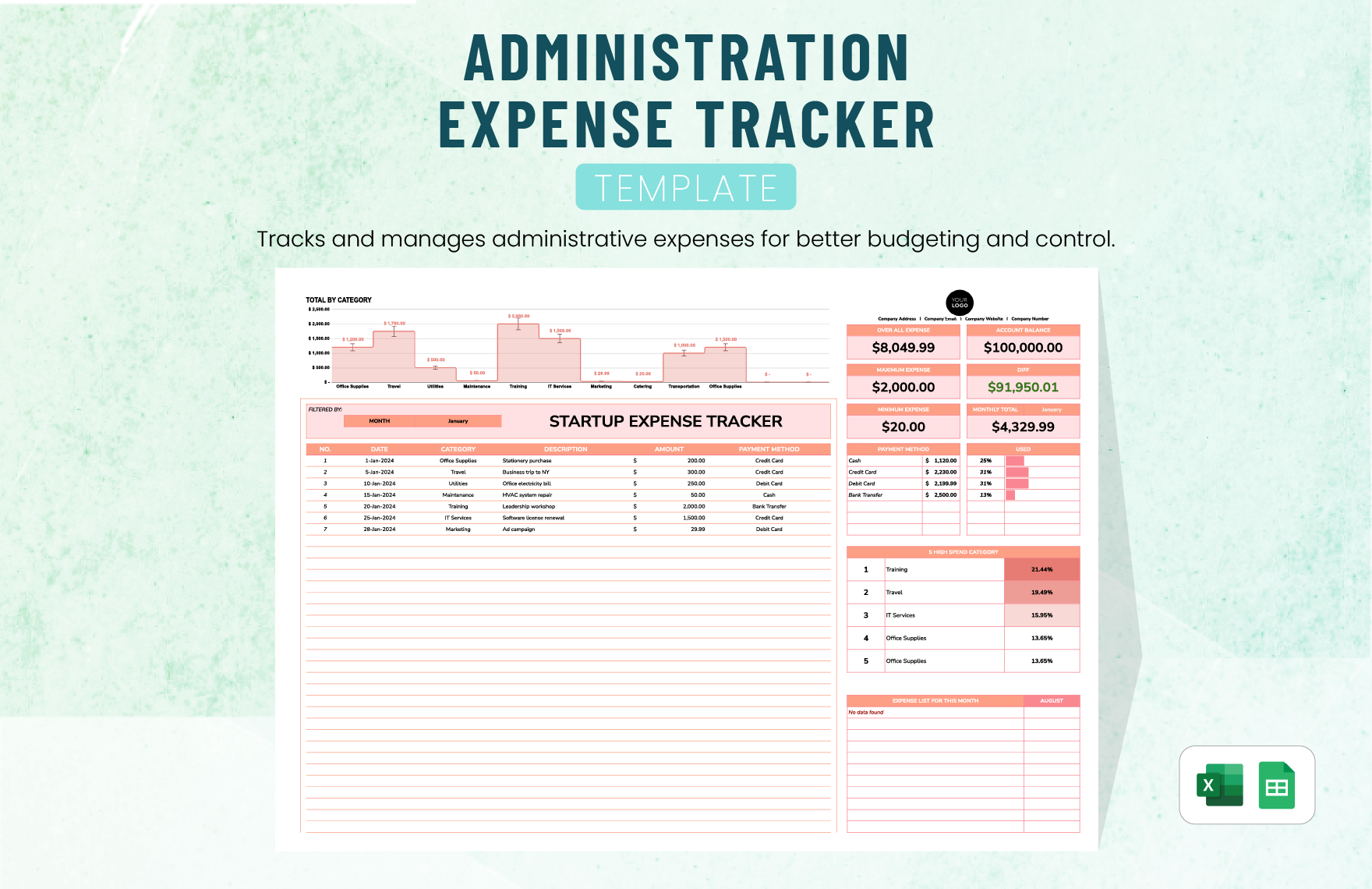
Google Sheets Expense Tracker Illustration Par Origin Designs PH

Expense Tracker Spreadsheet For Google Sheets, Expense Tracker Template
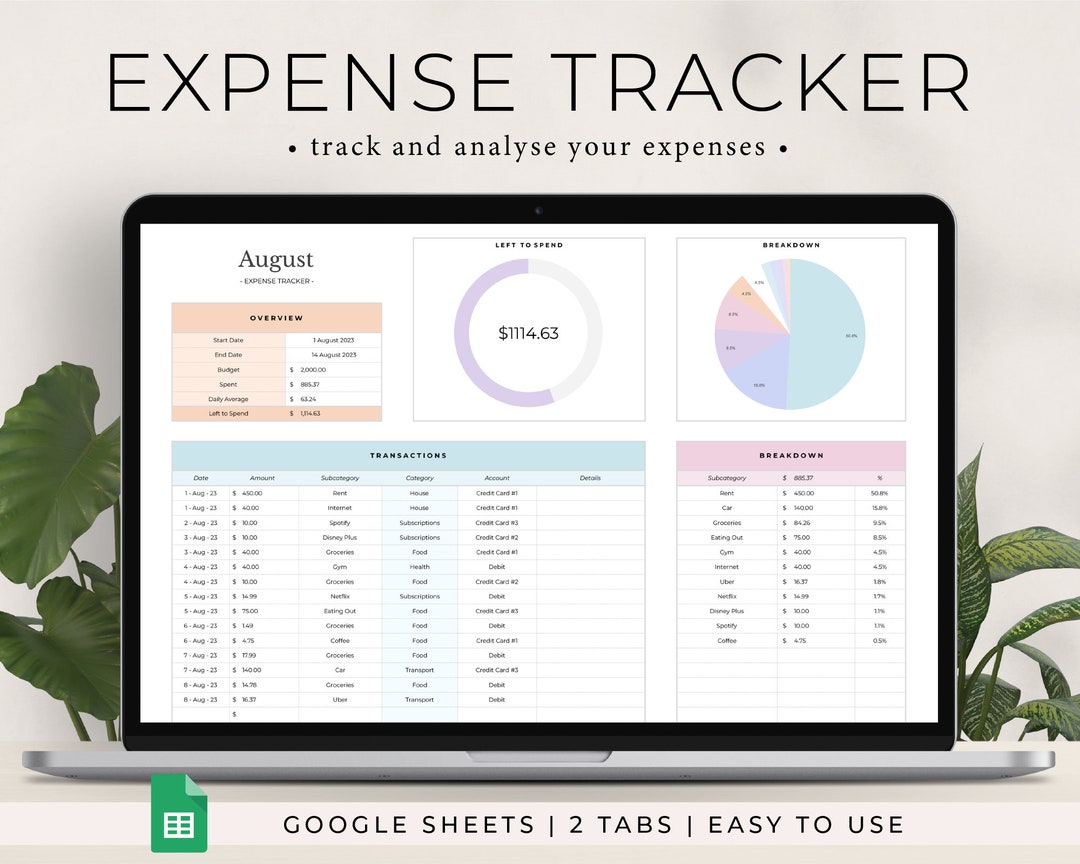
Income & Expense Tracker | Google Sheets Template – You Are Loved Templates
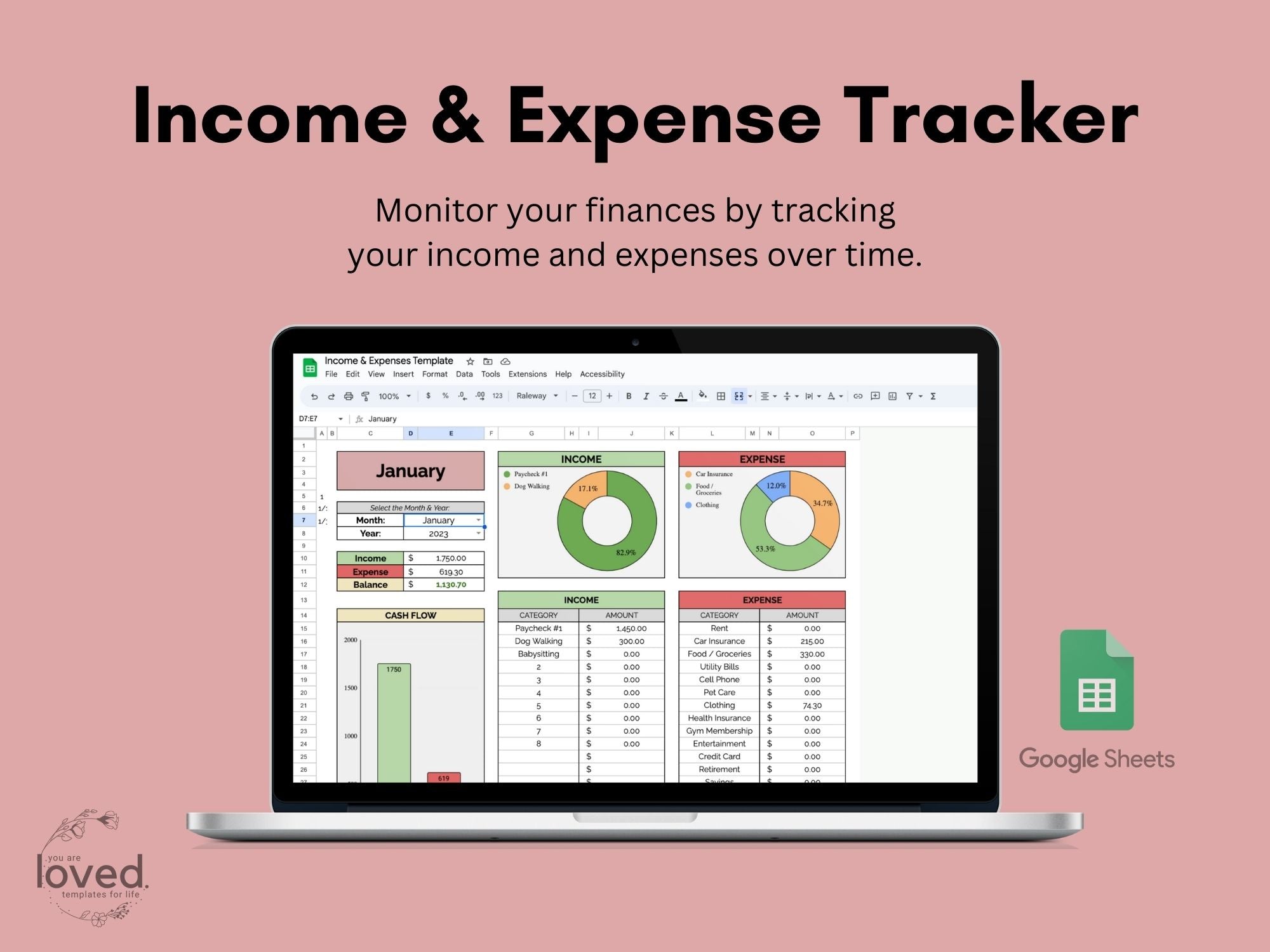
Free Monthly Expense Tracker – Google Sheets Template | Budget

Editable Expense Sheet Templates In Google Sheets To Download
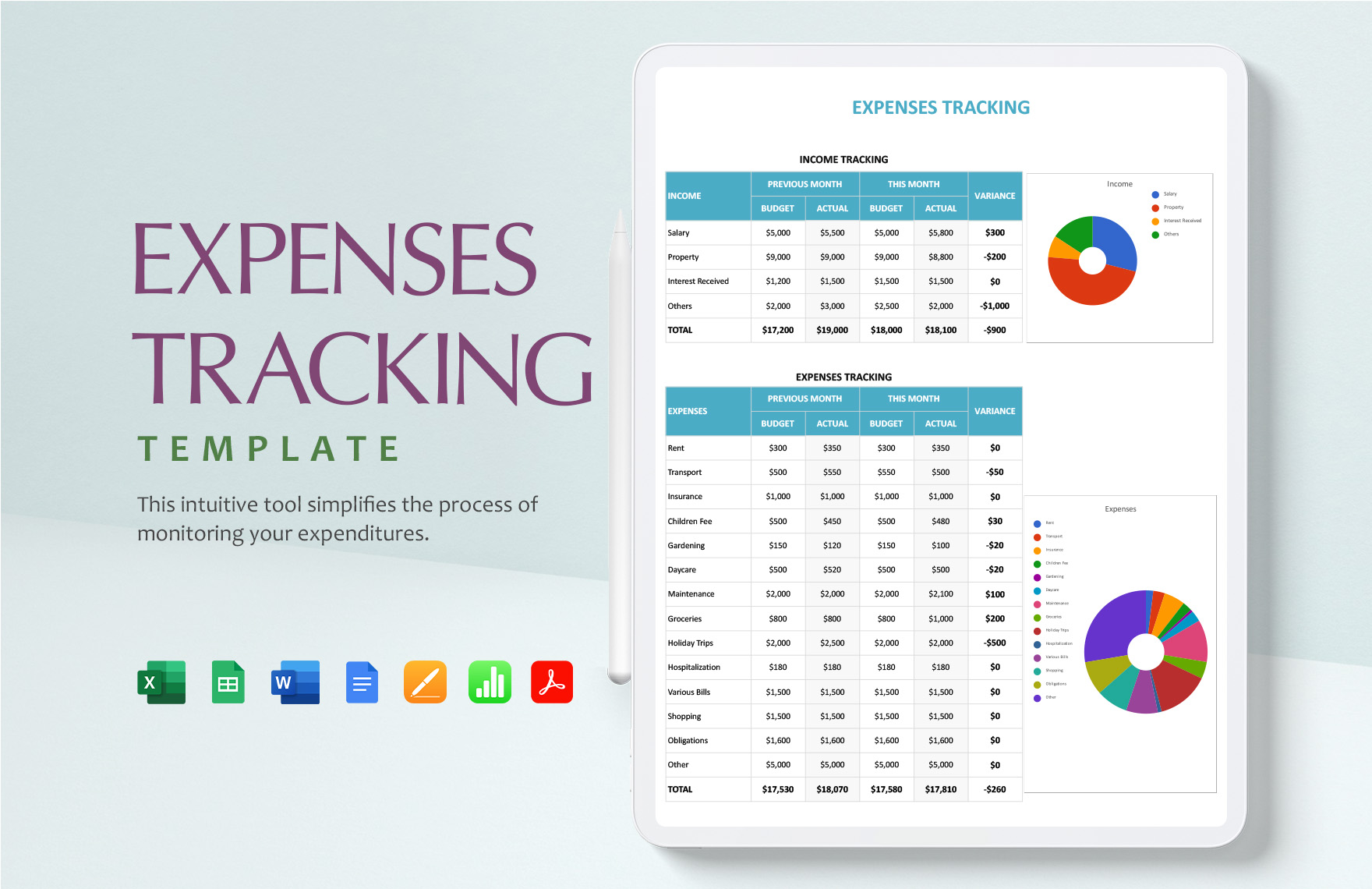
2025 Google Sheets Expense Tracker Graphic By Origin Designs PH

Our 11 Favorite Free Google Sheets Budget Templates For 2026 – Tiller
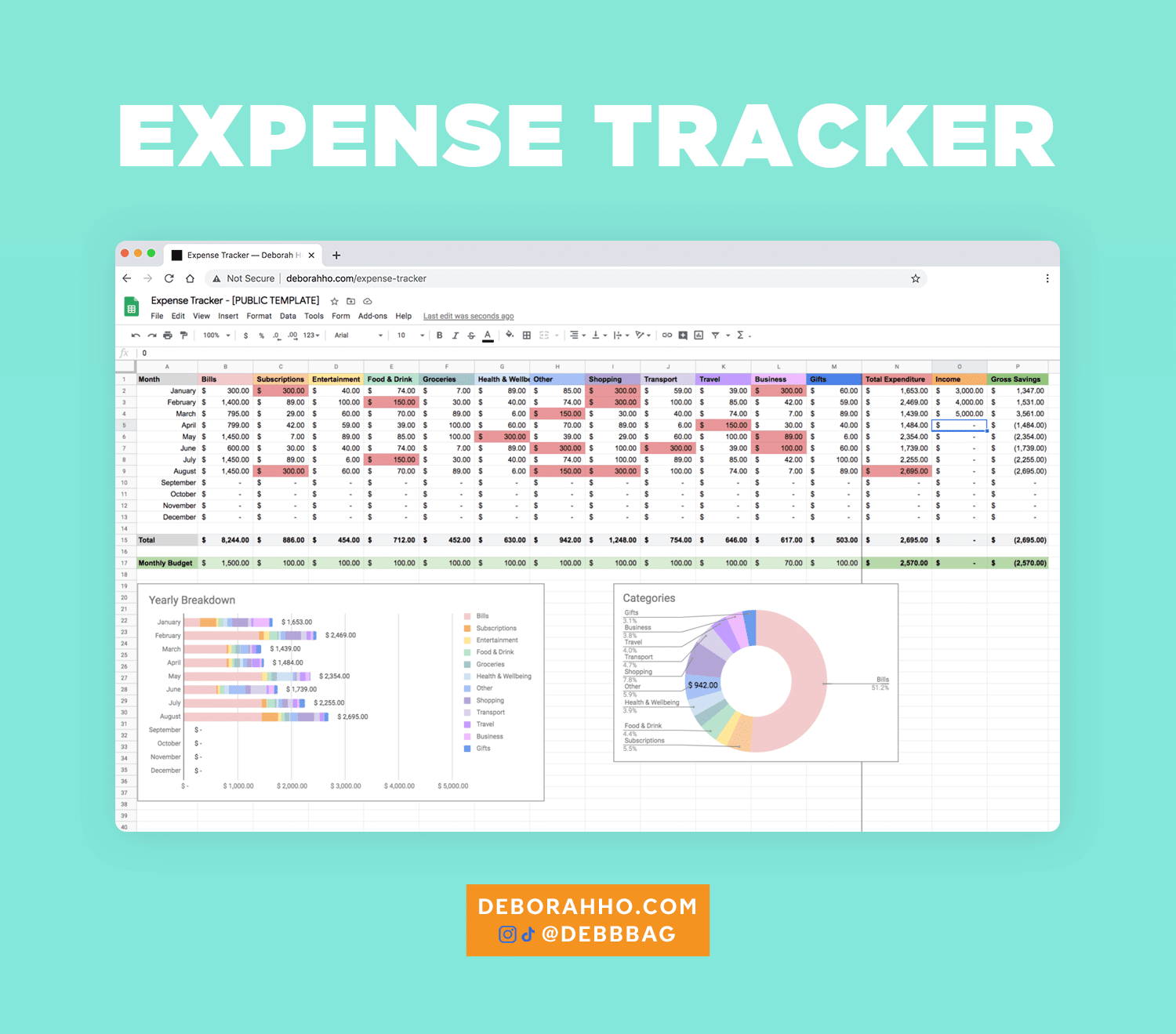
Google Sheets Expense Tracker Expense Tracker Spreadsheet – Etsy
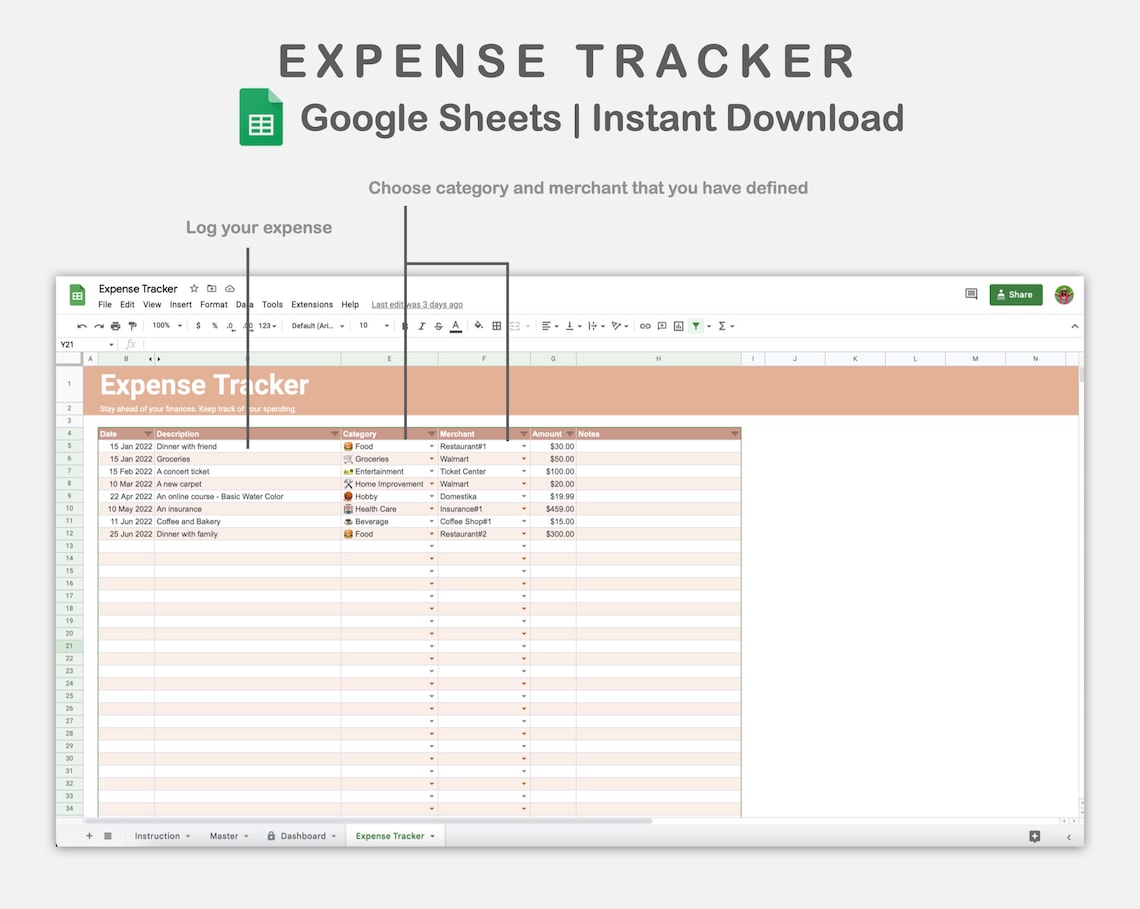
Finance Expense Tracker Template In Excel, Google Sheets To Download
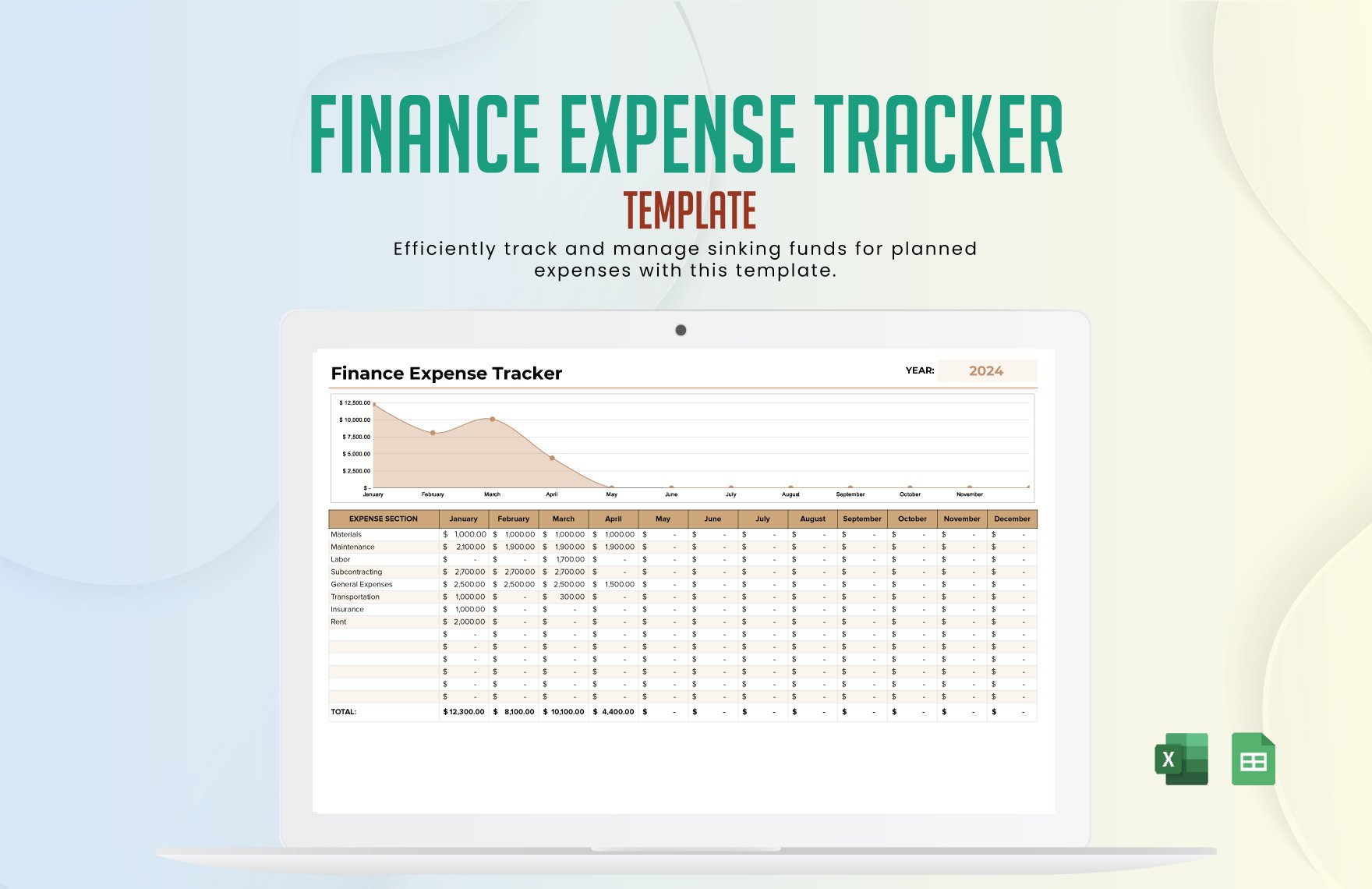
Expense Tracker Template | Compatible With Google Sheets
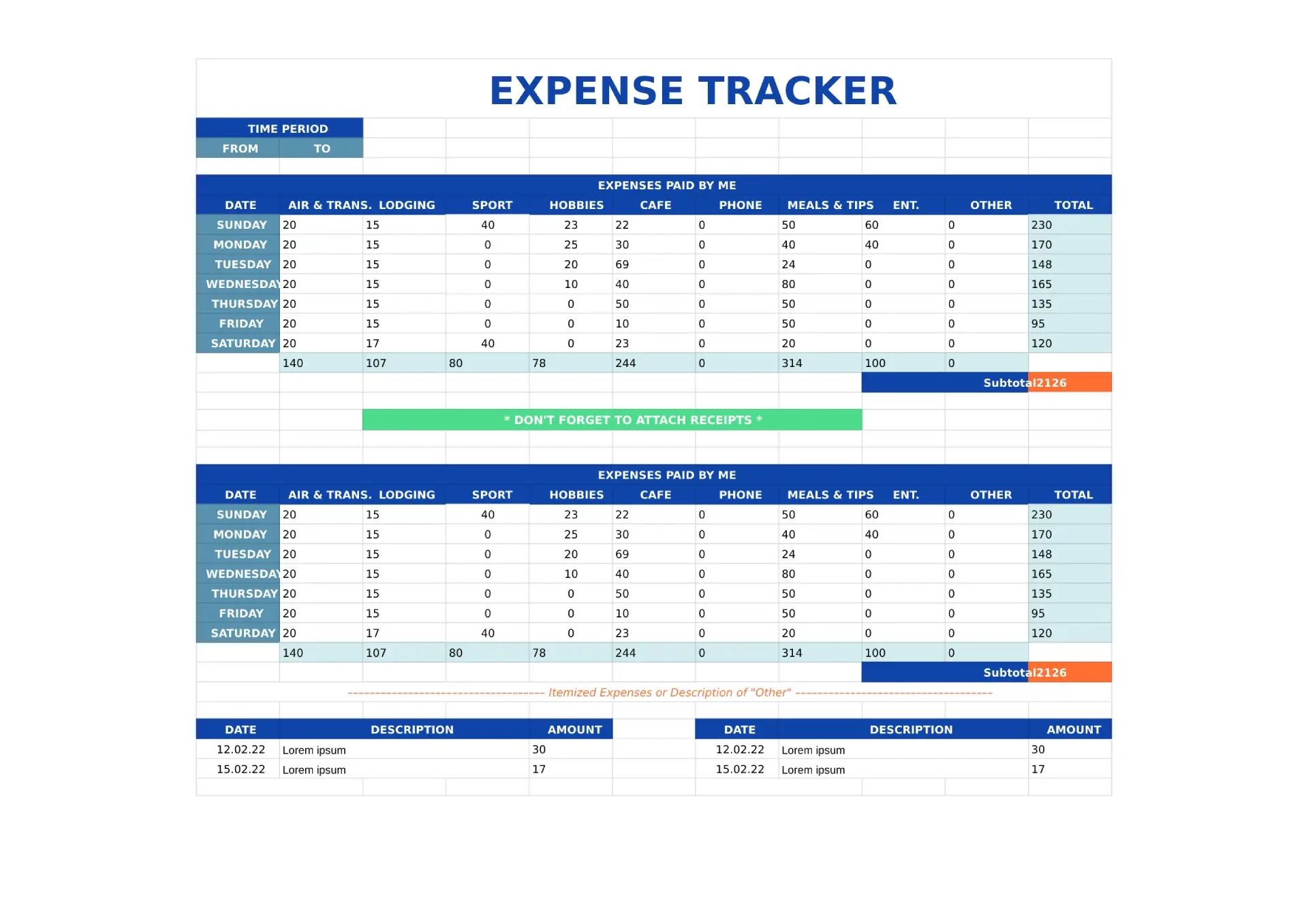
Expenses Tracker Google Sheets Printable Template Spreadsheet Business
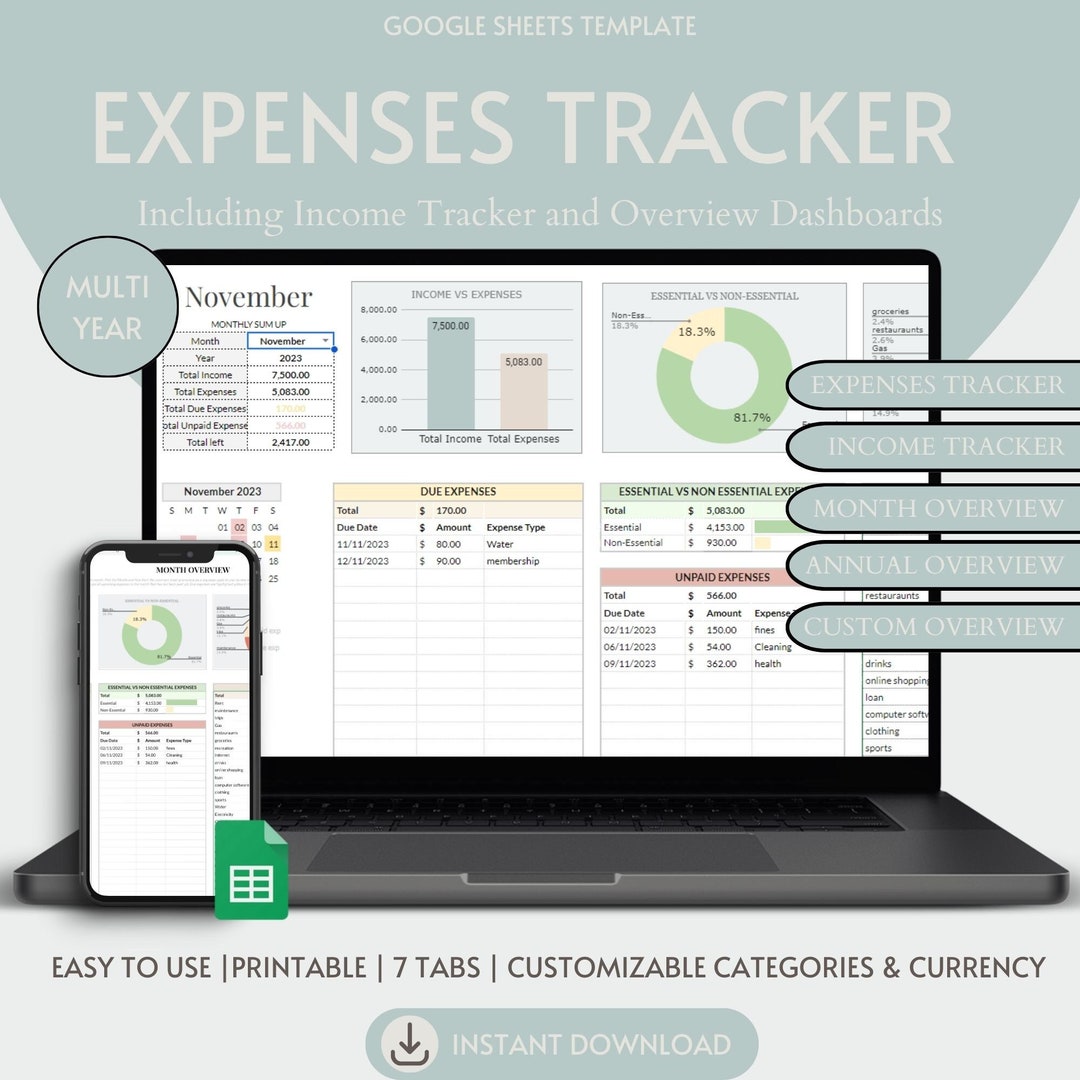
Google Sheets Expense Tracker Graphic By Origin Designs PH · Creative

Expense Tracker Template | Google Sheets | Personal And Business
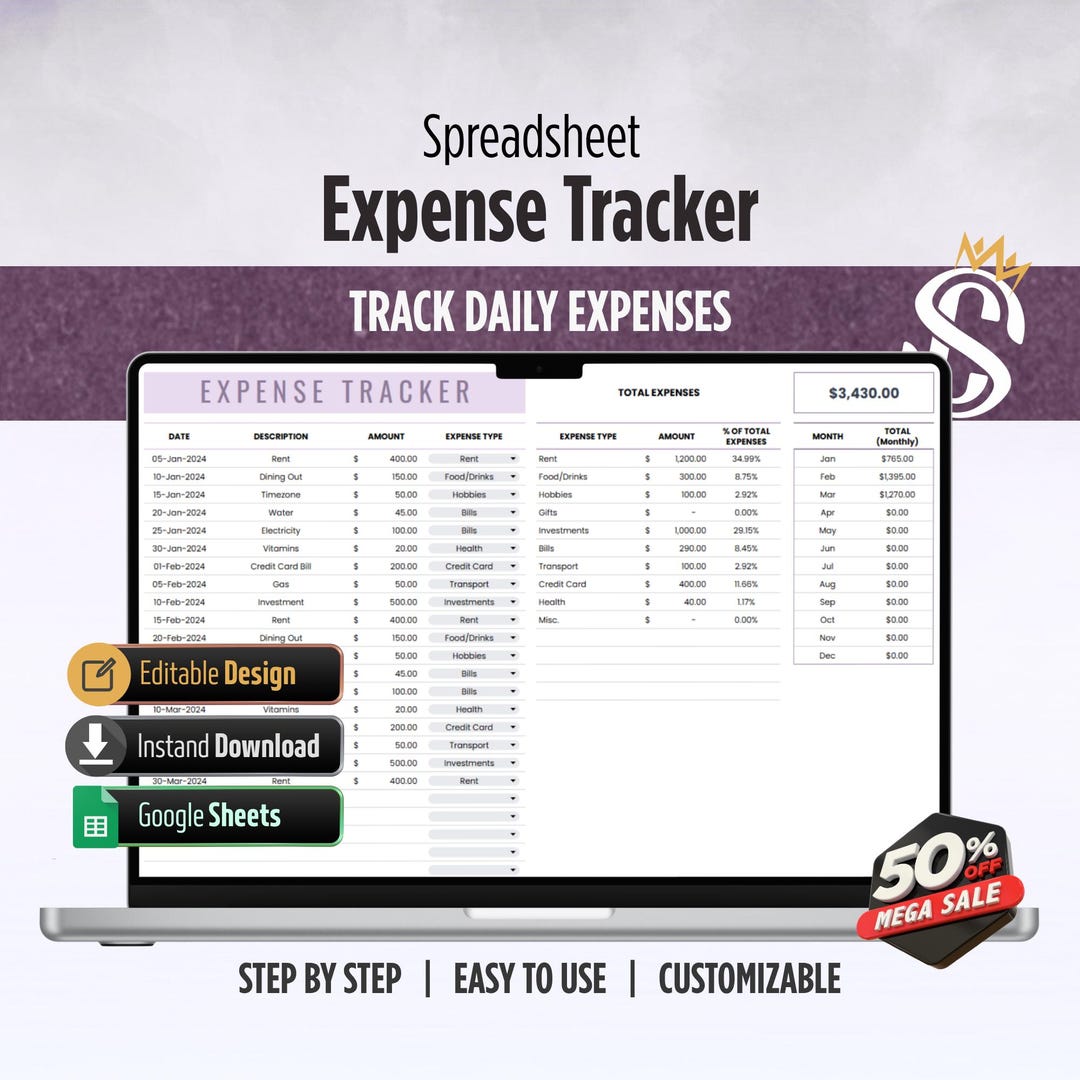
Income And Expense Tracker Google Sheets Spreadsheet Easy Bookkeeping


